Adding an AI voice agent to FreePBX or Asterisk should not mean replacing your phone system or changing your existing phone numbers. Most failed setups come down to a few settings: the SIP driver, the media path, DTMF, and transfer permissions.
With the right configuration, you can connect an AI voice agent to your existing PBX, automate incoming calls, answer common questions, book appointments, and transfer callers to your team when needed.
In this guide, we explain how to connect an AI voice agent to FreePBX and Asterisk using PJSIP, when to use a SIP trunk versus extension registration, how to configure secure call transfers, and how to troubleshoot common audio and DTMF problems.
What Is the Best AI Voice Agent for FreePBX and Asterisk?
The best AI voice agent for FreePBX and Asterisk should work with your existing phone system rather than force you to replace it. It should support standard SIP connectivity, reliable audio handling, secure call routing, and transfers to human agents.
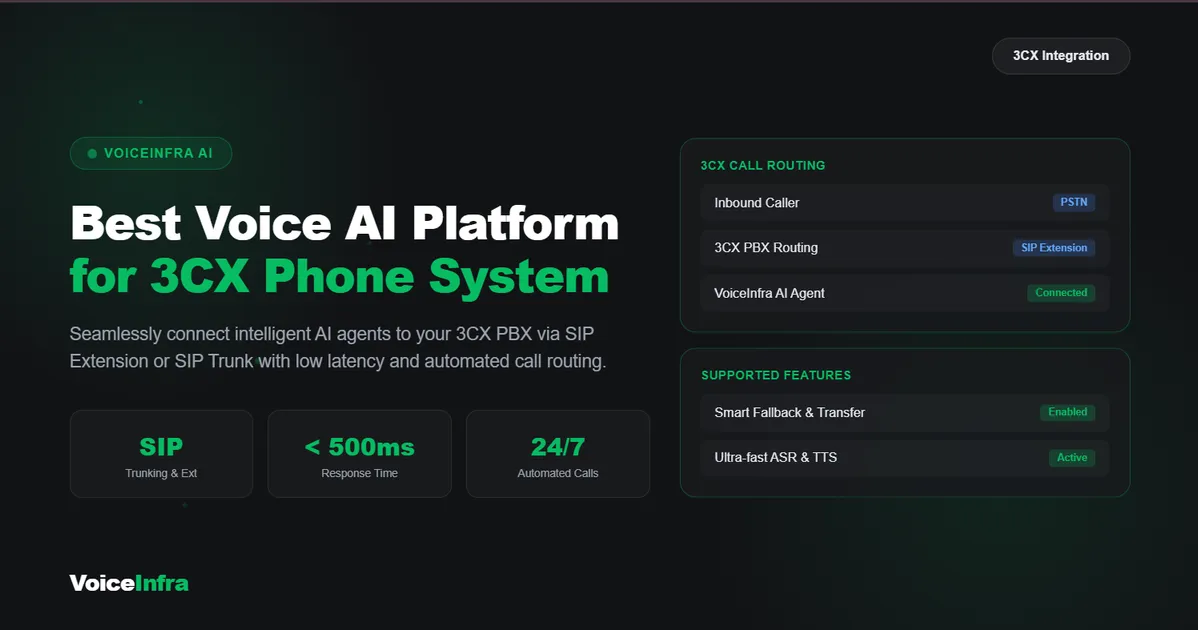
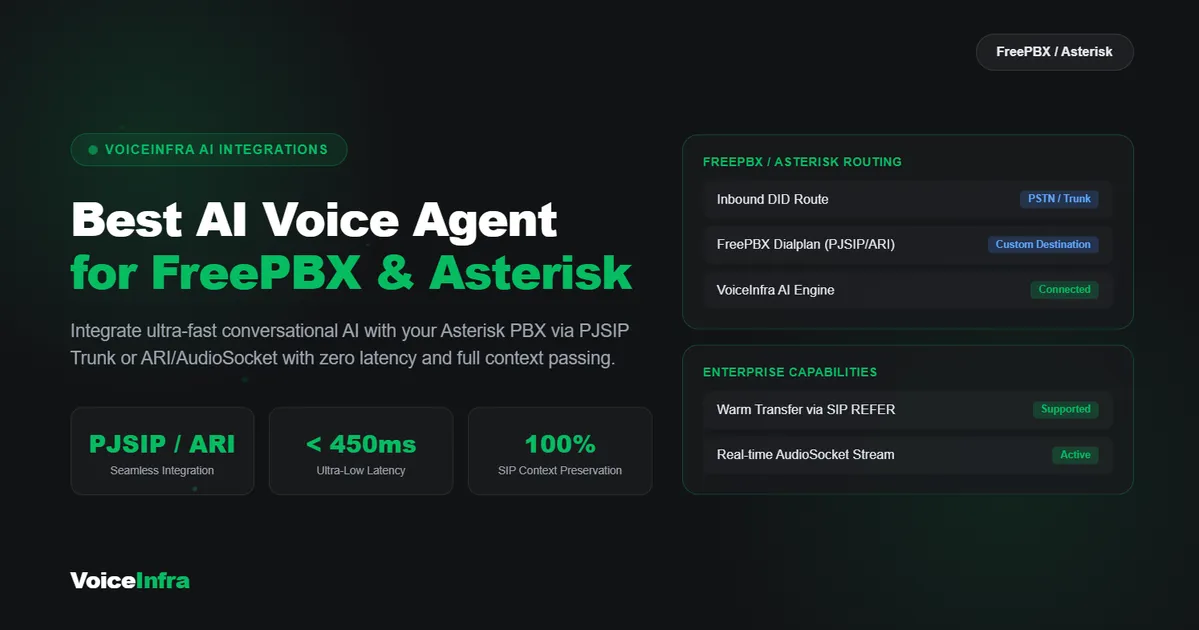
VoiceInfra connects AI voice agents with FreePBX and Asterisk through SIP integration. Depending on your setup, you can connect an AI agent using extension registration or a SIP trunk.
This approach allows businesses to add conversational AI while keeping their existing PBX, phone numbers, extensions, and call-routing setup.
With VoiceInfra, you can use AI agents to:
Answer incoming calls 24/7.
Respond to common customer questions.
Understand caller intent and guide conversations.
Book appointments through integrations such as Calendly.
Transfer calls to human agents when necessary.
Support attended transfers with conversation context.
Access call transcripts and summaries for supported workflows.
Use multiple LLM providers and premium voices in more than 30 languages.
Learn more about VoiceInfra's FreePBX integration.
FreePBX vs Asterisk: What's the Difference?
Asterisk is an open-source communications framework used to build phone systems, while FreePBX provides a graphical interface for configuring and managing an Asterisk-based PBX.
Both can connect to AI voice agents through SIP, but the exact setup depends on your Asterisk version, SIP driver, network configuration, and dialplan.
| Feature | FreePBX | Asterisk |
|---|---|---|
| Main Purpose | Graphical PBX management | Core telephony engine |
| Configuration | Primarily through the FreePBX interface | Primarily through configuration files and dialplan |
| SIP Connectivity | Uses the SIP drivers supported by its Asterisk version | Supports SIP connectivity through compatible drivers |
| AI Voice Integration | Can use SIP extensions or trunks | Can use SIP endpoints, trunks, and dialplan rules |
| Best Suited For | Businesses that prefer a visual management interface | Teams that need more direct control over telephony configuration |
The main principle is the same for both systems: configure SIP connectivity, confirm two-way audio, and control which destinations the AI agent can reach.
SIP Trunk vs Extension Registration: Which Is Better for AI Voice?
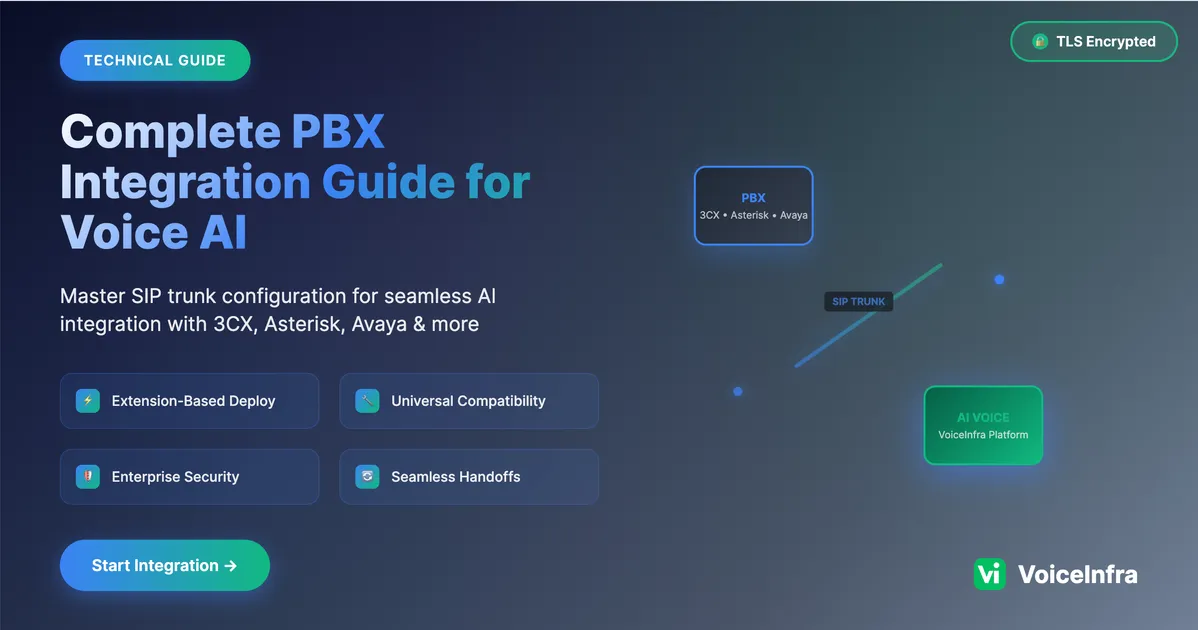
There are two common ways to connect an AI voice agent to a PBX: extension registration and SIP trunking.
Option 1: Register the AI Agent as a PBX Extension
With extension registration, the AI voice agent connects to your PBX like a regular SIP extension.
This is often a good starting point when you want the AI agent to behave like an internal extension and use your existing PBX call-routing rules.
Advantages:
Keeps the AI agent within your existing PBX architecture.
Can simplify internal routing and transfer workflows.
Allows the PBX to control which extensions or destinations the AI can reach.
Avoids creating a separate phone system just for AI calls.
Option 2: Connect the AI Agent Through a SIP Trunk
With SIP trunking, the AI platform connects to your PBX through a trunk rather than registering as a conventional internal extension.
This approach can be useful when your architecture requires a dedicated SIP connection between the PBX and the AI platform.
Advantages:
Provides a dedicated connection between the systems.
Can fit existing inbound and outbound trunk-routing designs.
Allows administrators to manage routing through trunk and dialplan rules.
The right option depends on your network, routing requirements, and how you want the AI agent to interact with the PBX.
VoiceInfra supports SIP-based integration approaches for compatible systems. You can review the FreePBX integration guide to determine the most suitable setup.
How to Connect an AI Voice Agent to FreePBX
The exact configuration varies by FreePBX and Asterisk version. The following steps outline the general process for connecting an AI voice agent through a PJSIP extension.
Step 1: Create a Dedicated Extension
Log in to your FreePBX administration panel and create a dedicated extension for the AI agent.
Use a separate extension rather than sharing credentials with an employee's phone. This makes the connection easier to manage, test, and disable if needed.
Configure the extension with the authentication and connectivity settings required by your AI platform.
Keep SIP credentials private, use strong authentication, and avoid exposing management interfaces or SIP services unnecessarily to the public internet.
Step 2: Configure the AI Platform
Open your VoiceInfra account and configure the AI agent you want to connect.
Depending on your integration method, you may need to provide SIP registration details, authentication credentials, or trunk information. Use the exact details and supported connection method supplied for your VoiceInfra setup.
After configuring the connection, verify that the endpoint registers or that the SIP trunk can communicate with the PBX.
Step 3: Configure Inbound Call Routing
Decide which calls should reach the AI agent.
For example, you might route calls to the AI agent when:
Your business is closed.
Your support team is busy.
A caller selects a particular option in your IVR.
A dedicated business number receives an incoming call.
Start with a limited test route before directing all customer calls to the AI agent.
Step 4: Test Two-Way Audio
Place a test call and confirm that both sides can hear each other clearly.
If the call connects but the AI agent cannot hear the caller, or the caller cannot hear the AI agent, check your RTP media path, firewall rules, NAT configuration, and SIP settings.
A successful SIP connection does not automatically guarantee that audio is flowing correctly.
Step 5: Test DTMF and Call Transfers
If your call flow uses keypad input, verify that DTMF tones are detected correctly.
Then test the transfer process. Confirm that the AI agent can transfer a call only to the intended destinations and that your PBX applies the correct permissions.
Test inbound calls, transfers, and any required outbound call flows before putting the integration into production.
Example PJSIP Configuration for an AI Voice Agent
A SIP trunk configuration may require a PJSIP endpoint, authentication settings, an address of record (AOR), and an identify section. The exact configuration depends on your provider's SIP details and your PBX architecture.
The following example illustrates several settings that may be relevant to an integration:
[voiceinfra]
type=endpoint
transport=transport-udp
context=from-voiceinfra
disallow=all
allow=ulaw,alaw
direct_media=no
dtmf_mode=rfc4733
rtp_symmetric=yes
force_rport=yes
rewrite_contact=yes
This is an illustrative fragment, not a complete, production-ready configuration. Your actual setup may require authentication, an AOR, an identify section, supported codecs, TLS, or additional provider-specific options.
Important settings to review include:
direct_media=no: Keeps Asterisk involved in media handling instead of allowing endpoints to exchange media directly. This can help in some NAT and media-routing configurations.dtmf_mode=rfc4733: Uses RTP telephone-event signaling for DTMF, when supported by both sides.rtp_symmetric=yes: Helps Asterisk handle symmetric RTP behavior.force_rport=yes: Helps with SIP response routing when the source port differs from the advertised port.rewrite_contact=yes: Can help maintain contact information for endpoints behind NAT.
These settings are not universal fixes. Validate them against your SIP provider's requirements, installed Asterisk version, transport, firewall, and network topology.
Configure the Identify Section
For a trunk that authenticates calls by source IP, a PJSIP identify section may be required. Use only the verified IP addresses or ranges provided by your SIP platform.
Do not use a broad, unrestricted IP range. Restricting accepted SIP traffic helps prevent unauthorized systems from reaching your PBX.
Secure Dialplan and Call Transfer Configuration
A working AI voice connection should also have clear routing boundaries.
Use separate dialplan contexts for internal extensions, inbound trunks, and calls arriving from the AI platform where your architecture supports that design.
For example, a configuration might use contexts such as:
from-internalfor internal PBX calling.from-trunkfor inbound trunk calls.from-voiceinfrafor calls arriving from the AI platform.
These names are examples. Your existing FreePBX installation may use generated contexts and include files that must not be edited directly.
Why Context Separation Matters
An AI endpoint should not automatically receive access to every outbound route or internal destination.
Limit the destinations it can call to those required for your use case. Review any transfer permissions, dialplan includes, and REFER handling so a caller or compromised endpoint cannot use the AI connection to reach unauthorized destinations.
If your workflow supports attended transfers, test how the transfer is initiated, how the receiving party is contacted, and what context is preserved during the handoff.
Always validate configuration changes in a test environment when possible. Incorrect dialplan edits can disrupt inbound or outbound calling.
Do You Need AudioSocket for an AI Voice Agent?
Not necessarily.
AudioSocket is an Asterisk feature that can be used in certain audio-processing integrations. It is available in supported Asterisk versions, including Asterisk 18 and later, but it is not a requirement for every AI voice integration.
If your AI platform supports standard SIP connectivity, you can often integrate it using SIP without introducing an additional AudioSocket workflow.
Choose the connection method based on the integration your platform supports, your call-routing requirements, and the complexity your team is prepared to maintain.
Common FreePBX and Asterisk AI Integration Problems
Even when the SIP configuration looks correct, a few common issues can prevent an AI voice agent from working reliably.
1. One-Way Audio or Silence
Possible causes:
RTP ports are blocked by a firewall.
NAT or external address settings are incorrect.
The PBX advertises an unreachable media address.
Codec negotiation fails.
Direct media behavior is unsuitable for the network.
What to check:
Confirm that RTP traffic can pass in both directions. Review the PBX's NAT and external media settings, inspect the negotiated codecs, and test whether keeping Asterisk in the media path resolves the issue.
2. DTMF Is Not Working
Possible causes:
The PBX and AI platform use incompatible DTMF modes.
RTP telephone-event packets are blocked or not negotiated.
The IVR expects a different signaling method.
What to check:
Confirm which DTMF method both systems support. If using RFC 4733, verify that telephone-event negotiation is successful and test keypad input during a live call.
3. Calls Connect but Transfers Fail
Possible causes:
The dialplan does not permit the requested destination.
The AI endpoint uses the wrong context.
Transfer permissions are disabled or incorrectly configured.
The destination extension or outbound route is unavailable.
What to check:
Review the transfer method, destination permissions, endpoint context, and PBX dialplan. Test transfers to a controlled internal extension before enabling more complex routing.
4. SIP Registration Fails
Possible causes:
Incorrect credentials.
Incorrect SIP server or transport settings.
Network or firewall restrictions.
A mismatch between the configured endpoint and registration requirements.
What to check:
Verify the credentials and server details, confirm network reachability, and inspect the relevant Asterisk logs. Avoid sharing passwords, authentication secrets, or sensitive logs publicly.
5. The AI Agent Cannot Reach the Correct Call Flow
Possible causes:
The incoming call enters the wrong dialplan context.
Inbound routes point to the wrong destination.
A trunk or extension is not included in the intended call flow.
What to check:
Trace the call from the inbound route to the endpoint and confirm each step. Start with a simple route and add more complex conditions after the basic call works.
What Can You Automate with an AI Voice Agent?
Once the integration is working, you can use AI voice agents to automate routine phone conversations while keeping your existing PBX in place.
Common use cases include:
AI receptionist: Answers incoming calls and directs callers to the right department.
Customer support: Handles frequently asked questions and collects information before escalation.
Appointment booking: Connects conversations with scheduling tools such as Calendly.
After-hours call handling: Responds to calls when your team is unavailable.
Call transfers: Routes callers to a human agent when the request requires personal assistance.
Call summaries: Helps teams review transcripts and summaries when supported by the configured workflow.
VoiceInfra supports multiple LLM providers and premium voices in more than 30 languages, helping businesses configure voice experiences for different customer needs.
The best workflow depends on your call volume, customer expectations, integrations, and the types of requests your AI agent is expected to handle.
VoiceInfra Pricing for AI Voice Agents
VoiceInfra offers subscription plans for businesses with different requirements. The pricing listed below provides a starting point for comparing plan sizes.
| Plan | Monthly Price | Included Minutes | AI Agents |
|---|---|---|---|
| Launch | $49/month | 175 minutes | 1 |
| Starter | $99/month | 350 minutes | 3 |
| Professional | $249/month | 900 minutes | 5 |
| Professional Plus | $399/month | 1,500 minutes | 7 |
Review the VoiceInfra pricing page for current plan details, included features, and any applicable usage terms before choosing a plan.
When estimating your costs, consider expected call volume, average call duration, the number of agents you need, and any additional telephony charges that may apply to your setup.
Start Your Free Trial
You do not need to replace your PBX to explore AI-powered calling.
Start with a free trial to test call quality, your FreePBX or Asterisk integration, and how an AI agent fits your business workflows. You can set up a demo number and test the experience before expanding the integration.
Ready to get started?
Frequently Asked Questions
1. What is the best AI voice agent for FreePBX and Asterisk?
The best option is one that supports your PBX's SIP configuration, provides reliable two-way audio, and fits your routing and transfer requirements. VoiceInfra supports SIP-based integration with compatible FreePBX and Asterisk setups.
2. Do I need to replace FreePBX or Asterisk to add an AI voice agent?
No. A compatible AI voice platform can connect to your existing PBX through SIP. You can keep your current phone system and configure call routing to send selected calls to the AI agent.
3. Should I use a SIP trunk or register the AI agent as an extension?
It depends on your call flow and network design. Extension registration can work well when you want the AI agent to behave like an internal extension. A SIP trunk may be more suitable for a dedicated connection between the AI platform and your PBX.
4. Why is there one-way audio or silence during calls?
One-way audio can result from RTP firewall rules, NAT settings, unreachable media addresses, codec mismatches, or direct media behavior. Check the media path and network configuration on both sides.
5. Why does DTMF not work with my AI voice agent?
The PBX and AI platform may be using incompatible DTMF methods, or telephone-event packets may not be negotiated or delivered correctly. Verify the supported DTMF mode on both systems and test it during a live call.
6. How can I keep AI call transfers secure?
Use a dedicated endpoint, restrict its dialplan context and destinations, and review transfer permissions. Do not automatically grant the AI endpoint access to every internal extension or outbound route.
7. Do I need AudioSocket to connect an AI agent to Asterisk?
Not always. If your AI platform supports standard SIP connectivity, you may be able to connect it through SIP without AudioSocket. Choose the method supported by your platform and required by your architecture.
8. Can an AI voice agent transfer calls to a human?
Yes, when the AI platform and PBX are configured to support the required transfer workflow. Test the transfer method, destination permissions, and receiving extension before using it for customer calls.
9. How much does VoiceInfra cost?
The pricing listed in this guide starts at $49 per month for the Launch plan. Check the pricing page for the latest plans, included minutes, features, and terms.
10. Can I test VoiceInfra before deploying it to production?
You can start through the VoiceInfra portal to explore trial access and test your integration. Confirm current trial terms and setup requirements with the VoiceInfra team if needed.
Final Thoughts
Adding an AI voice agent to FreePBX or Asterisk does not have to mean replacing your existing phone system. With a compatible SIP integration, you can keep your current PBX and build AI-powered call flows around your existing infrastructure.
For a new setup, PJSIP is generally the preferred SIP driver. Pay particular attention to two-way audio, DTMF signaling, dialplan context separation, and transfer permissions. These areas are essential for a reliable and secure integration.
Start with a simple test call, verify the audio and routing, and then introduce more advanced workflows such as appointment booking and human transfers.
Ready to explore AI-powered calling with your existing PBX? Start your VoiceInfra free trial or talk to our team to discuss your FreePBX or Asterisk integration.