Adding AI to your 3CX phone system should not mean new phone numbers, new trunks, or a new phone system. It should take minutes, not months.
This guide explains how to choose the right voice AI platform for 3CX, and why registering your AI agent as a normal 3CX extension is the simplest way to do it.
What to Look for in a Voice AI Platform for 3CX
Before you pick a platform, check that it can do these things:
Work with your existing 3CX setup, with no hardware changes
Let you keep your current phone numbers, carriers, and contracts
Go live quickly, ideally the same day
Transfer calls to your team with full conversation context
Not lock you into a single AI model or voice provider
Grow with you as call volume increases
Two Ways to Connect AI to 3CX
Most voice AI platforms connect to a phone system in one of two ways.
SIP trunking only. Your phone system sends calls to the AI platform over a trunk. This often means SBC reconfiguration, carrier changes, and sometimes porting your numbers. Setup can take weeks, and the platform may lock you into one AI model.
PBX-native extension. The AI agent registers on your 3CX as a standard extension. 3CX sees it as one more extension, and it answers with AI.
| SIP trunking only | PBX-native extension | |
|---|---|---|
| Phone numbers | May need porting | Keep your own |
| Carrier changes | Often required | None |
| Setup time | Weeks | Minutes |
| Extra trunk capacity | Needed | Not needed |
| Works with your call flows | Needs rework | Works as-is |
How VoiceInfra Works with 3CX
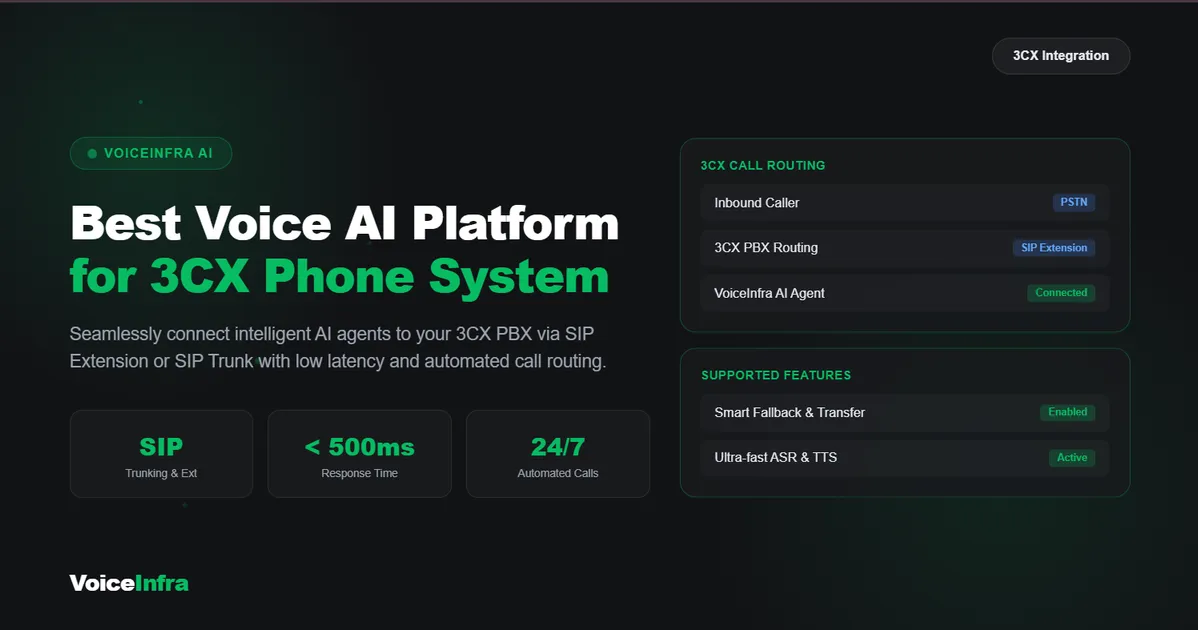
VoiceInfra deploys AI agents directly on 3CX extensions instead of on extra phone numbers. There is nothing to replace.
Set up an extension. Create a dedicated 3CX extension for your AI agent, for example, extension 32612.
Map your call routing. Choose which calls the AI agent handles.
Set your transfer rules. Decide when the AI hands a call to a human.
Design the conversation. Write the greeting, conversation paths, and escalation triggers for your business.
Test it. Check call handling and transfers before going live.
Because it uses your existing 3CX SIP trunk and phone numbers, you do not buy extra numbers or trunk capacity. Our SIP integration takes about 5 minutes to set up.
What Your 3CX AI Agent Can Do
Answer every call, 24/7. No more missed calls after hours.
Capture intent and answer questions. Callers get help without waiting.
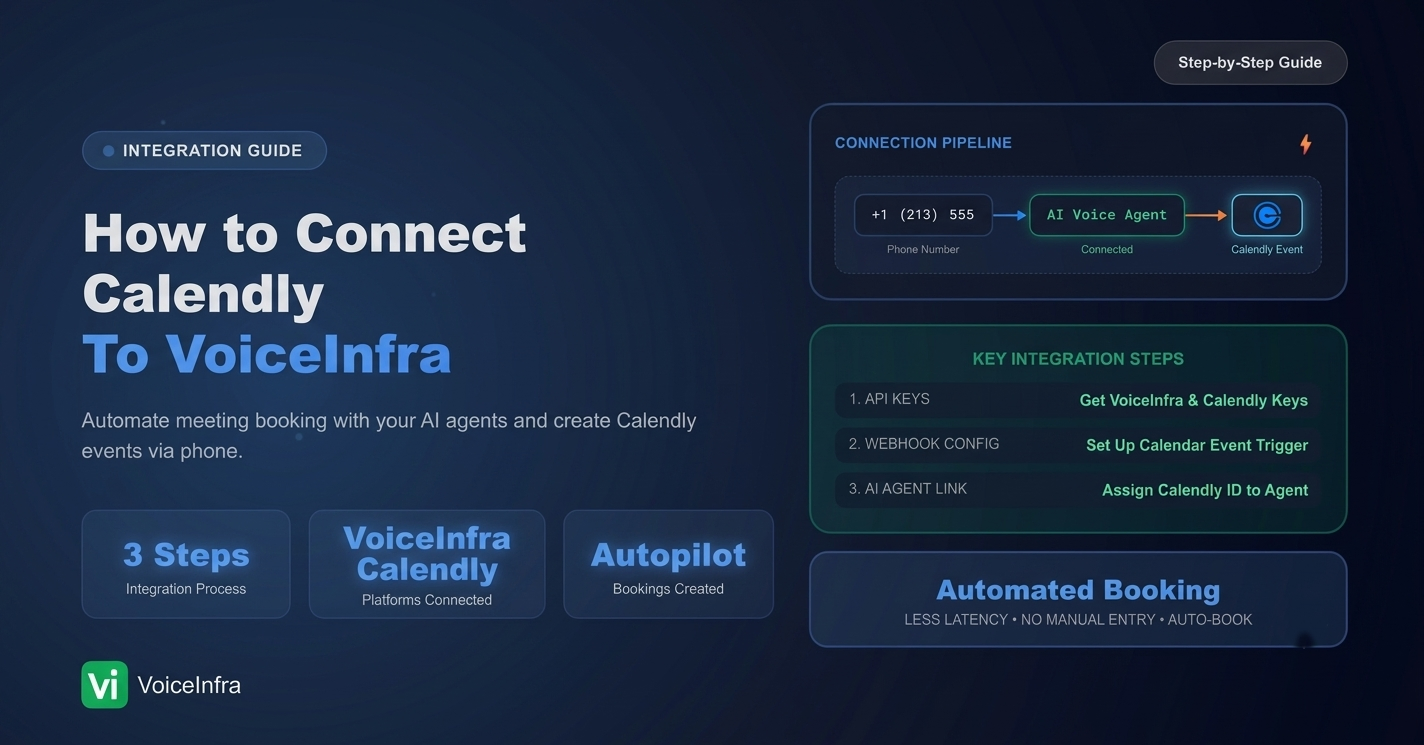
Book appointments. Connect Calendly so the agent books while the caller is on the line.
Transfer to humans. Attended transfer can help route callers to your team. Confirm the transfer behavior and conversation context supported by your configuration.
Work with your existing setup. IVR menus, hunt groups, and current call flows can remain part of your setup.
Sync to your CRM. Calls can be documented with transcripts and structured summaries when supported by your configuration.
You also choose the AI behind it. VoiceInfra supports 5+ LLM providers and premium voices in 30+ languages, helping you avoid dependence on a single AI model provider.
Simple Pricing
Every plan includes the full platform, all AI providers, and a PBX extension.
| Plan | Price | Minutes included | Agents |
|---|---|---|---|
| Launch | $49/mo | 175 | 1 |
| Starter | $99/mo | 350 | 3 |
| Professional | $249/mo | 900 | 5 |
| Professional Plus | $399/mo | 1,500 | 7 |
See the full details on the VoiceInfra pricing page.
Not on 3CX? The Same Approach Can Work
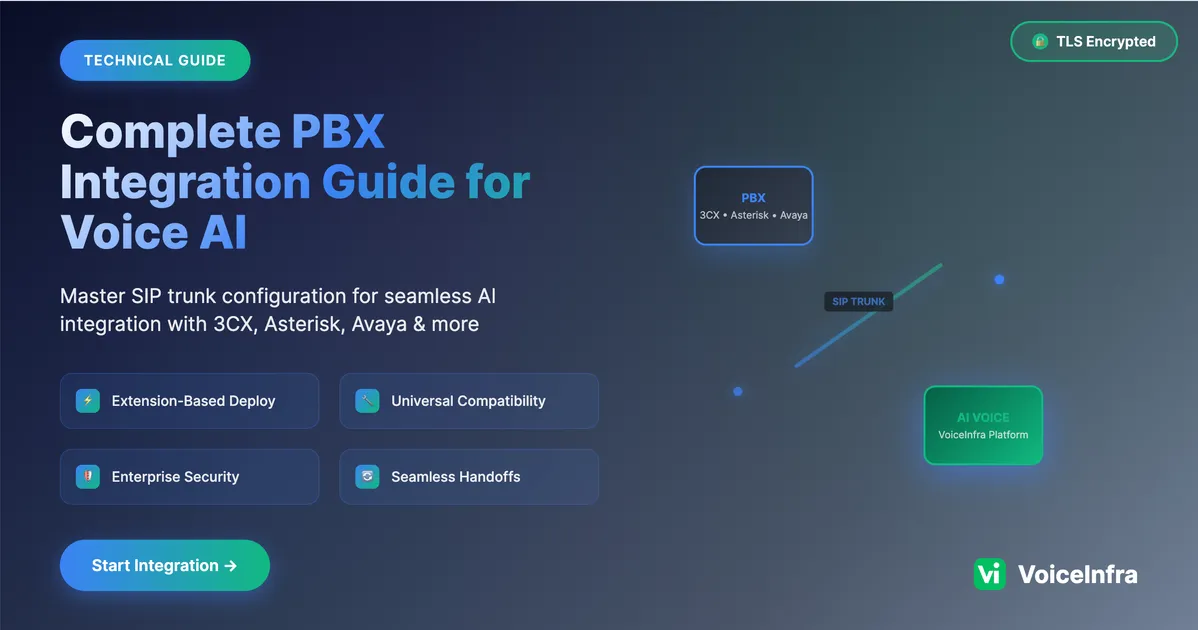
The extension-based approach may also work with Yeastar, FreePBX, Asterisk, Avaya, Cisco, and other SIP-compatible phone systems, depending on the platform's supported integration methods. If you manage several clients on different PBXs, a single voice AI platform can help centralize your deployments.
Frequently Asked Questions
1. What is the best voice AI platform for 3CX?
The best platform depends on your call volume, integration requirements, and business goals. Look for a solution that supports your 3CX setup, offers reliable SIP connectivity, handles call routing, and allows you to configure AI conversations without replacing your existing phone system.
2. Can I connect an AI voice agent to 3CX without changing my phone numbers?
Yes. Depending on the integration method, you may be able to connect an AI voice agent through a SIP extension and continue using your existing phone numbers and carrier. Confirm the required configuration with your AI provider before deployment.
3. Is a SIP extension better than a SIP trunk for 3CX AI integration?
A SIP extension can be a practical option when you want your AI agent to act like an endpoint within your PBX. A SIP trunk may be more suitable for connecting separate telephony systems or routing calls between services. The right choice depends on your call flows and technical requirements.
4. How long does it take to set up VoiceInfra with 3CX?
The setup time depends on your 3CX environment, SIP configuration, and call routing requirements. VoiceInfra's SIP integration is designed to simplify setup, and the configuration can take about 5 minutes in supported scenarios. Allow additional time for testing and troubleshooting.
5. Can a 3CX AI voice agent transfer calls to a human?
Yes, call transfers can be configured when supported by the AI platform and your 3CX setup. Before going live, test the destination extensions, queues, ring groups, and transfer behavior to make sure calls reach the correct team.
6. Can an AI voice agent answer calls after business hours?
Yes. You can configure your 3CX call routing to direct after-hours calls to an AI voice agent, provided your integration supports the required routing. The agent can answer common questions, collect caller details, and route calls according to your configured workflow.
7. Does VoiceInfra support different AI models?
VoiceInfra supports multiple LLM providers, giving businesses flexibility when selecting AI models for their voice agents. Visit the multi-LLM support page for more information.
8. Can I use VoiceInfra with a phone system other than 3CX?
VoiceInfra's SIP integration approach may be suitable for other SIP-compatible PBX systems, depending on their configuration and the supported integration method. Contact the team to confirm compatibility with your specific phone system.
9. How much does VoiceInfra cost?
The pricing listed in this guide starts at $49 per month for the Launch plan. Other plans offer different included minutes and agent limits. Check the pricing page for the latest plan details.
10. Can I try VoiceInfra before choosing a paid plan?
Visit the VoiceInfra website to explore the platform and review current plans. You can also contact the VoiceInfra team to ask whether a free trial or guided integration test is available for your 3CX setup.
Final Thoughts
The best voice AI platform for 3CX is one that fits into your existing phone system instead of forcing you to rebuild it. With a PBX-native extension approach, businesses can explore AI-powered call handling while keeping their current numbers, carriers, and familiar call flows.
VoiceInfra helps businesses connect AI voice agents with SIP-compatible phone systems, including 3CX. From answering incoming calls to supporting appointment booking and call routing, the right configuration can help your team handle routine conversations more efficiently.
Before choosing a solution, review your call flows, confirm SIP compatibility, and test transfers and audio quality in your environment.
Try VoiceInfra for Your 3CX Phone System
Want to see how an AI voice agent could work with your 3CX phone system? Explore VoiceInfra's SIP integration options and find an approach that fits your existing setup.
Whether you want to automate incoming calls, improve call routing, or connect an AI agent to your existing PBX, the VoiceInfra team can help you understand the integration requirements.
Ready to get started?
Explore VoiceInfra's 3CX integration.
Review available plans on the VoiceInfra pricing page.
Contact our sales team to ask about a free trial or a guided integration test.